The widget
A small messenger you paste before </body>. Visitors chat. You reply from the inbox.
Helpdesk from VectraForge
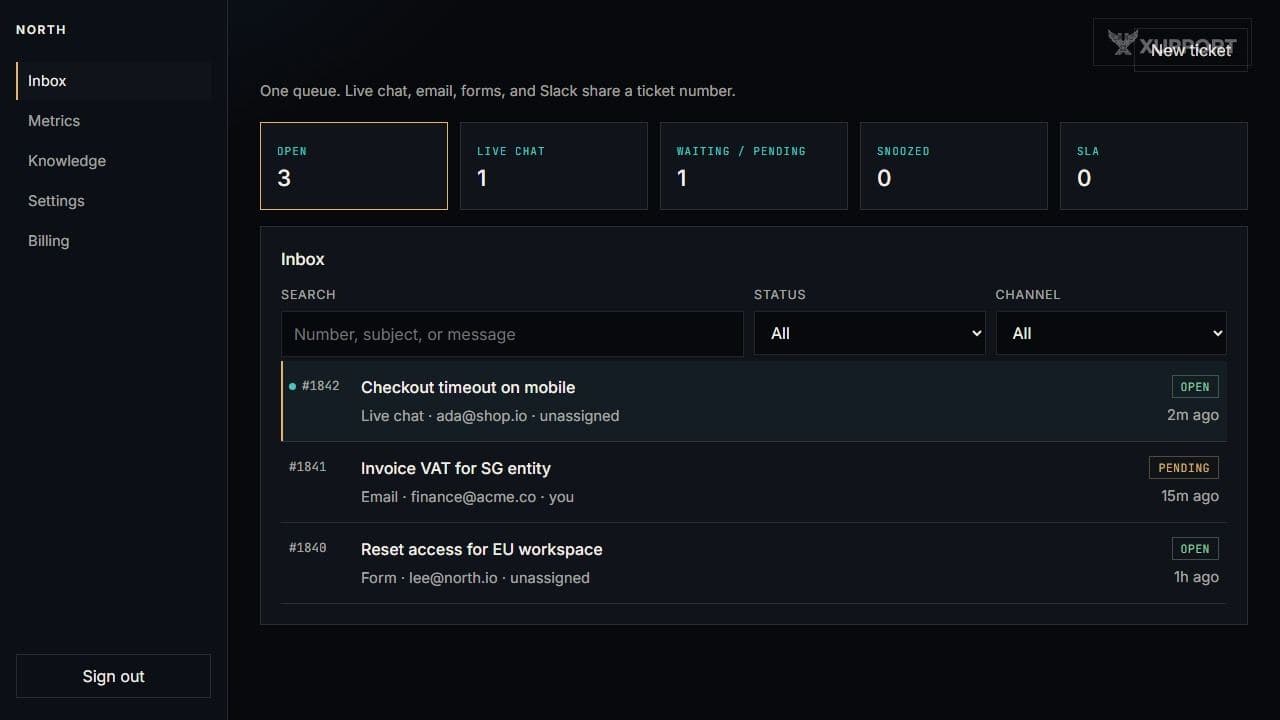
A visitor types in the corner of your site. That chat is ticket #1842, sitting next to email and the contact form. Slack can land there too. Your team answers from one list.
The chat button on this page is a real Xupport widget. Say hello — it opens a ticket in our inbox, the same way it will on your site.
The queue
Open tickets, a search box, and a thread. Status, assignee, and tags sit on the ticket. There is no second list for “chat only.”
How people reach you
A small messenger you paste before </body>. Visitors chat. You reply from the inbox.
People write to your inbound address or fill in the public form. You answer as you would any other ticket.
Point one Slack channel at the workspace. A message there is the same ticket, not a copy you have to paste back.
Answers
Write the guides you already repeat. Turn the bot on when those guides are ready. If a question is not in the knowledge base, the bot uses your handoff line and the ticket waits for an agent. You can also leave the bot off.
How the bot works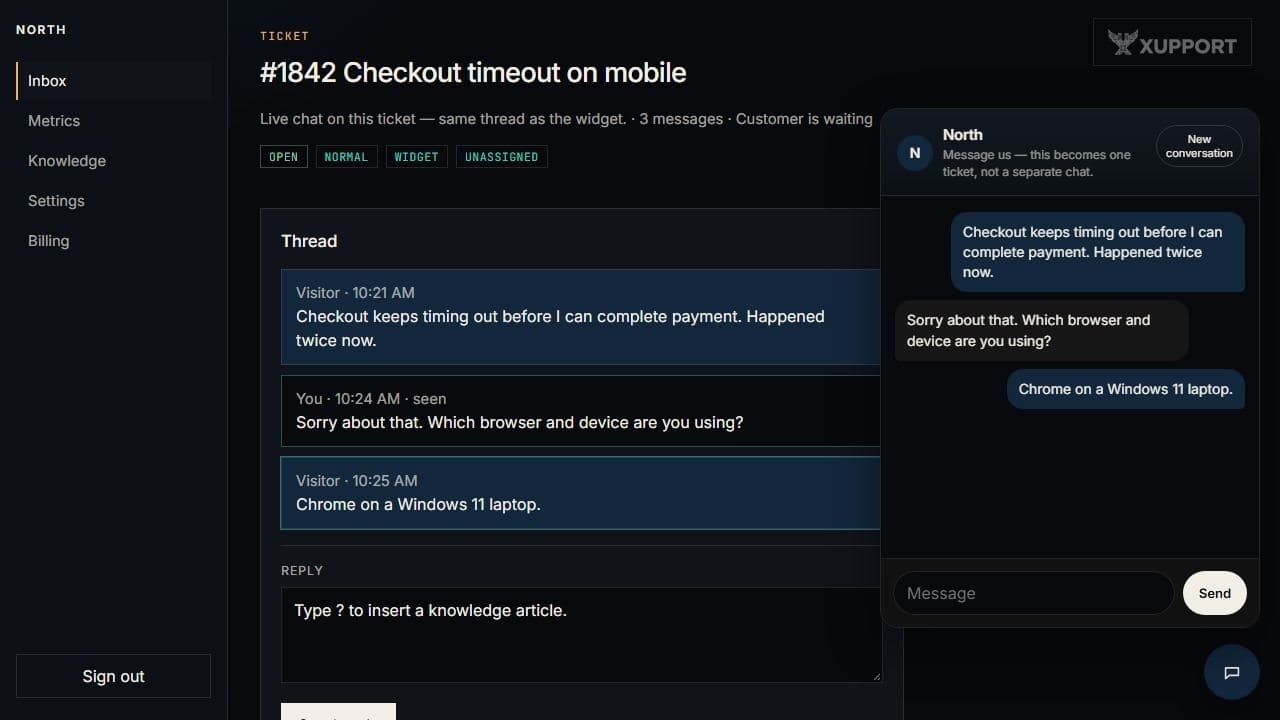
A normal day
Compared with common setups
Typical list prices and how the bill is structured — not a ranking.
| Topic | Chat-first tools | Per-seat helpdesks | Xupport Growth |
|---|---|---|---|
| Examples | Crisp starter tiers, Tawk.to | Zendesk, Intercom seats | Xupport |
| How you pay | Low monthly, chat-led | Per agent, extras on top | $129 / month for the workspace |
| Chat and tickets | Often a widget first | Tickets first | Same ticket |
| AI | Varies by plan | Often billed on use | 15,000 replies included, then it stops |
| Seats in that price | Plan-dependent | You multiply agents | 10 seats |
Your data
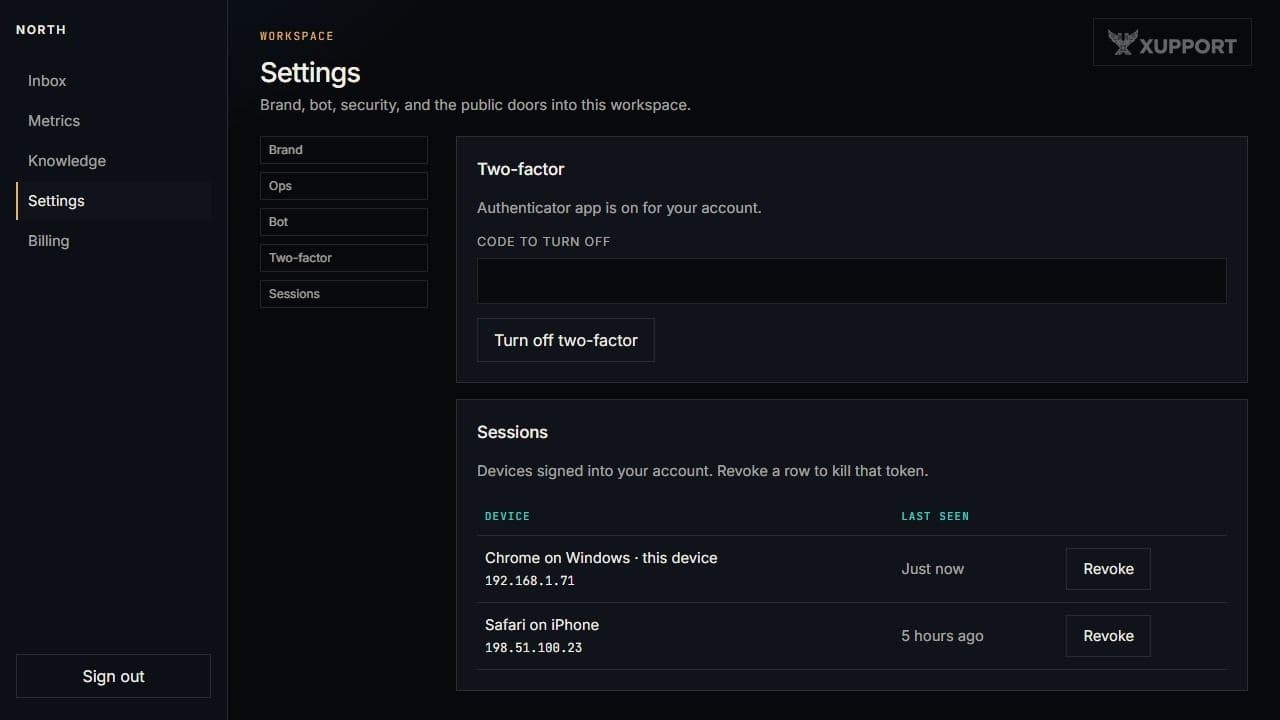
We use PostgreSQL row-level security, and it stays on. A request belongs to one organisation. If that binding is missing, the query returns nothing. Security details.
Questions
Paste the snippet, write two articles, and invite whoever answers customers. Turn the bot on when you are ready.
Start a workspace