One organisation per request
API calls set the tenant first. Public help looks up your slug, then reads only that knowledge base.
Security
Many customers share one Postgres database. Row-level security decides what a login may read. If the workspace is not set on the request, the query returns nothing.
API calls set the tenant first. Public help looks up your slug, then reads only that knowledge base.
Widget keys, invite links, and password-reset tokens are treated as secrets. Reset links expire.
Our preview hosts ask for a password and tell search engines not to index them.
Sign-in
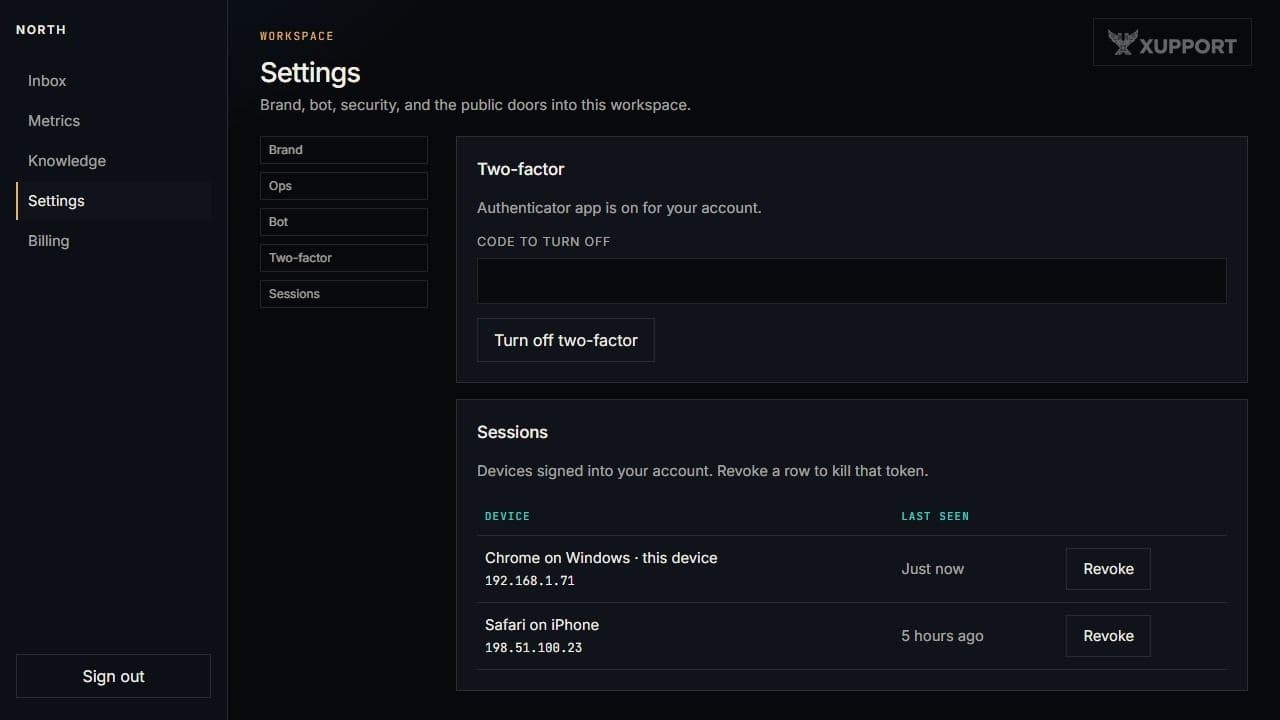
People join through an invite. They can see their sessions and sign them out.
Questions